Personal link
Each registration can receive its own direct participation link.
Run branded, secure and participatory events in one place, from invitation to follow-up.
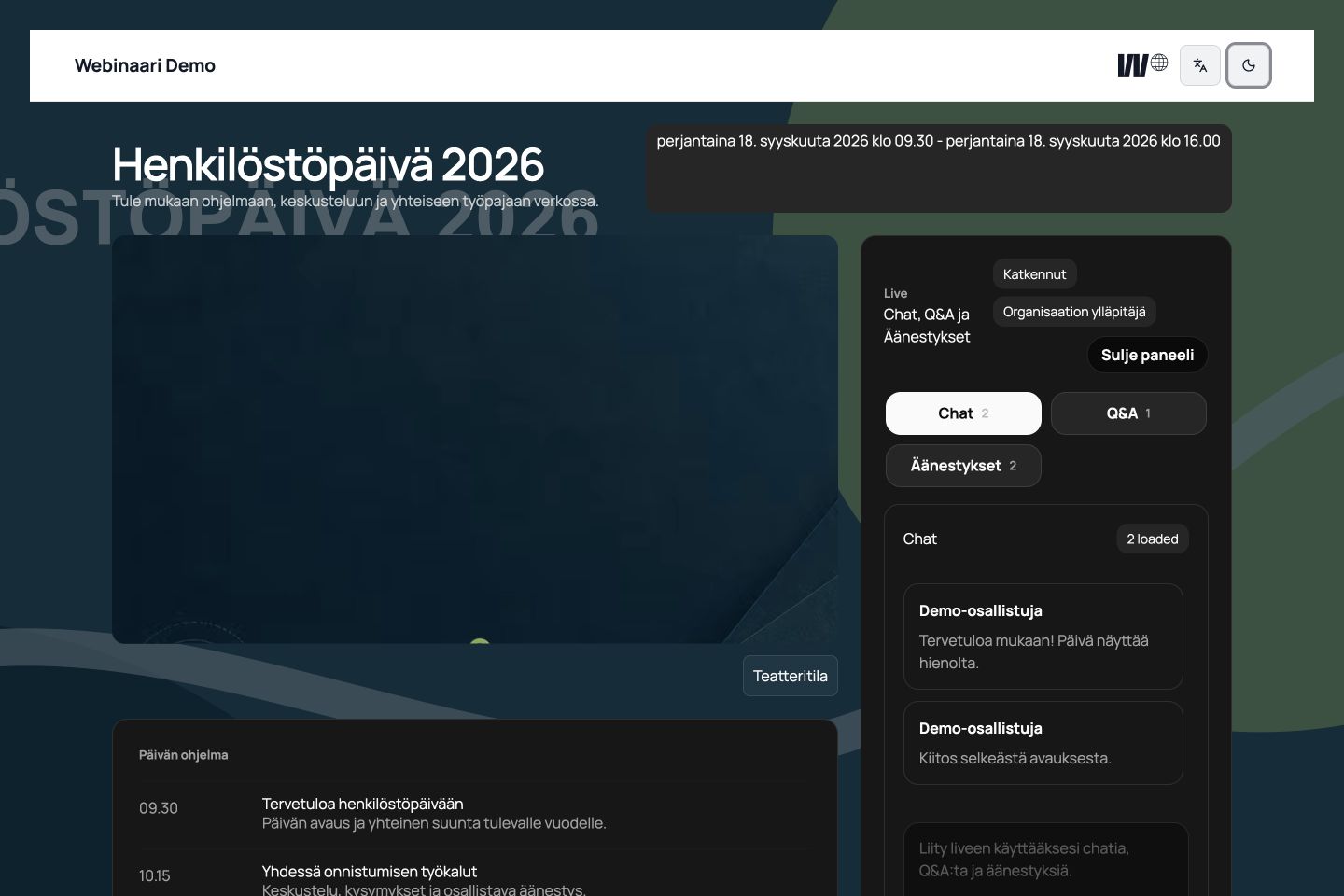
One platform
Build the event page, manage access, run the live session, review participation and continue the conversation without moving data between disconnected tools.
Create a branded event page and publish it when it is ready.
Register attendees and send automatic confirmations and reminders.
Bring questions, discussion and polls into the live session.
Track visitor traffic and review registrations, participation and delivery data.
Share the replay and schedule follow-up communication.
Choose a personal participation link, a one-time sign-in link by email, or limit access to approved email domains.
Each registration can receive its own direct participation link.
A one-time sign-in link keeps passwords out of the attendee journey.
Limit registration to the email domains your organization has approved.
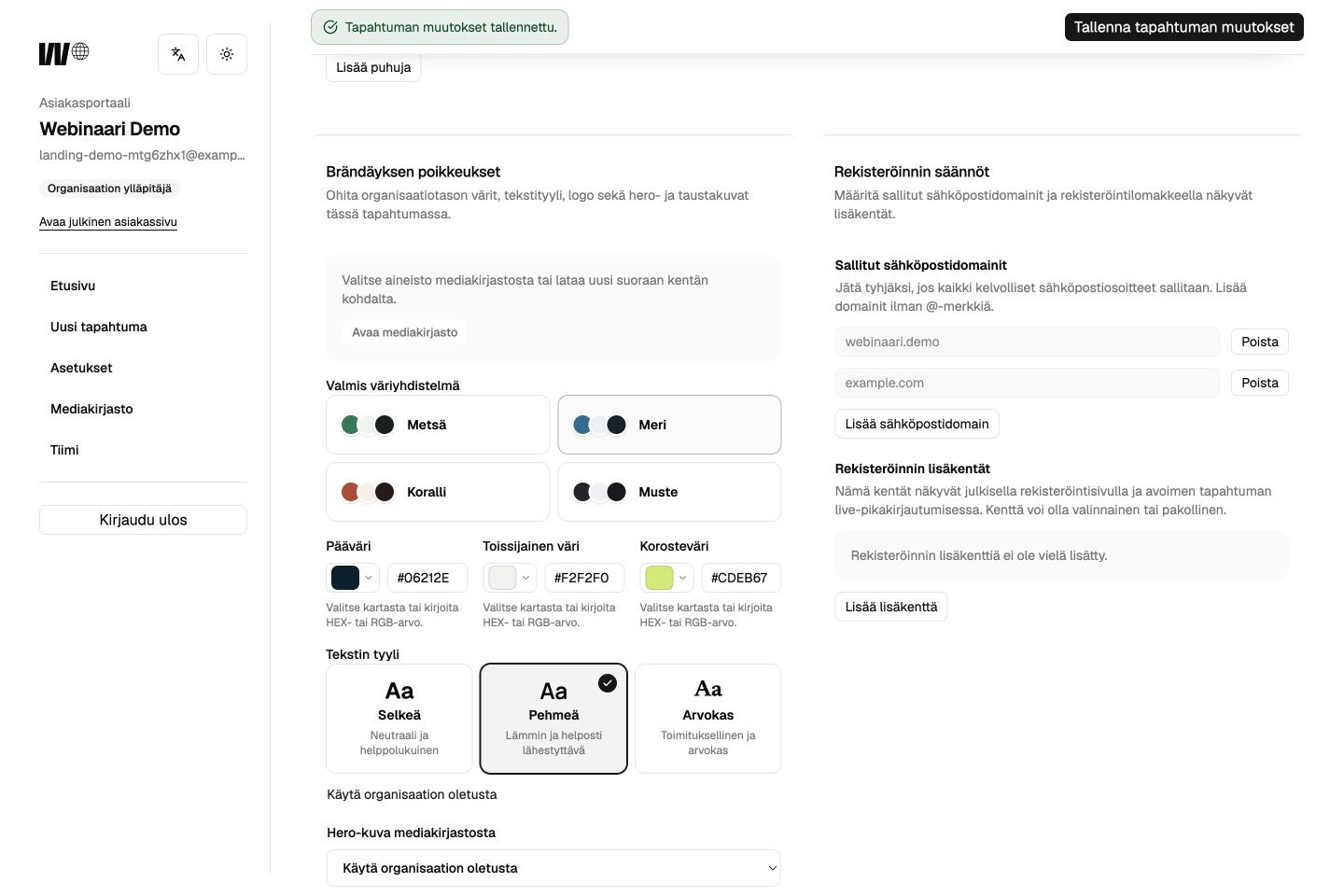
Webinaari is designed for controlled participant access and careful live operations. It is well suited to public webinars and internal company events.
Participation
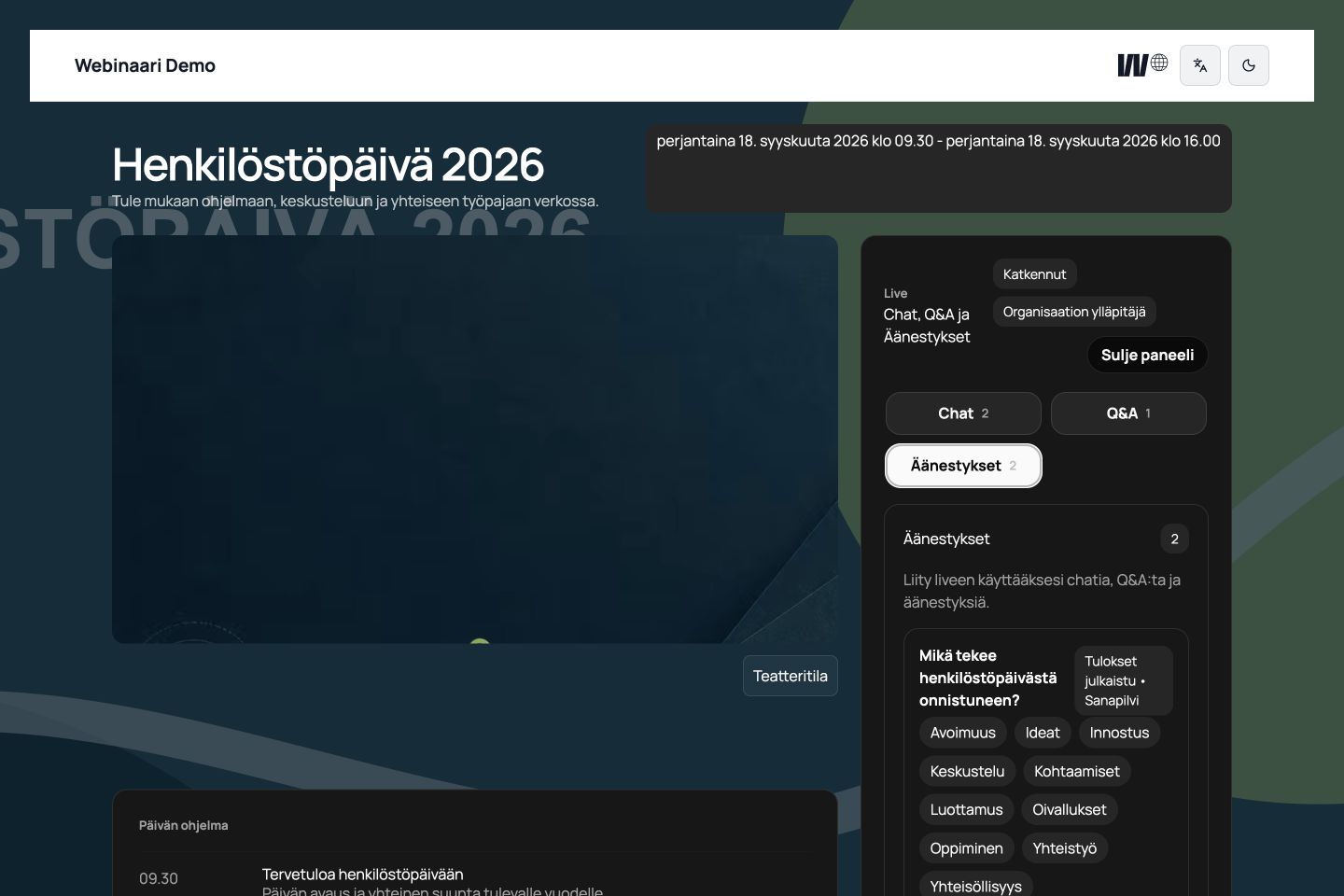
Keep the audience in one branded live view. The moderator can guide the conversation and publish interaction at the right moment.
A shared conversation with clear moderation controls.
Collect questions and choose what is shown to the speakers.
Open, close and publish results when the program calls for it.
Turn short audience responses into a shared live visual.
Use your own logos, colors and content. Choose a page structure that fits the character of the event without changing the workflow behind it.
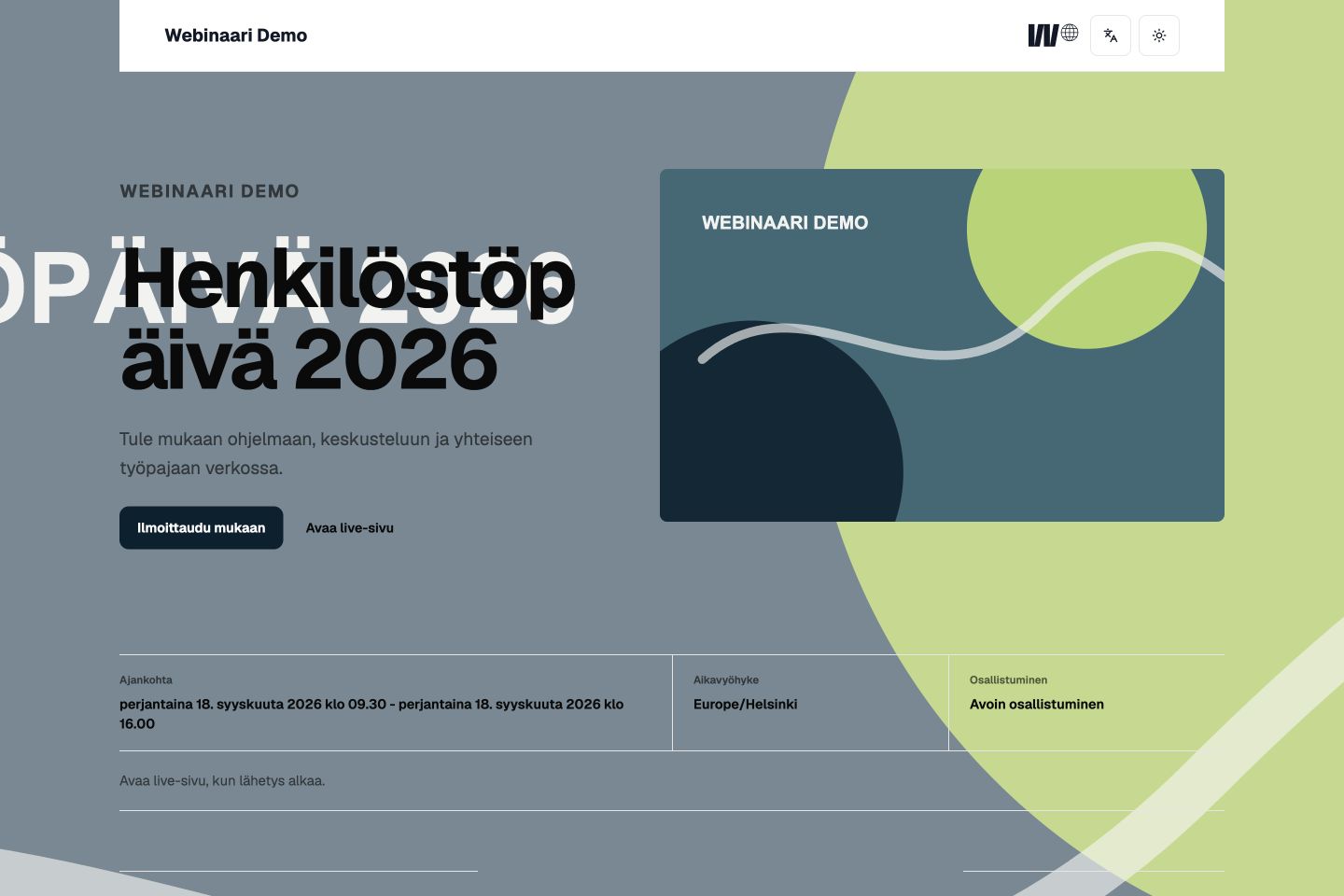 Minimal
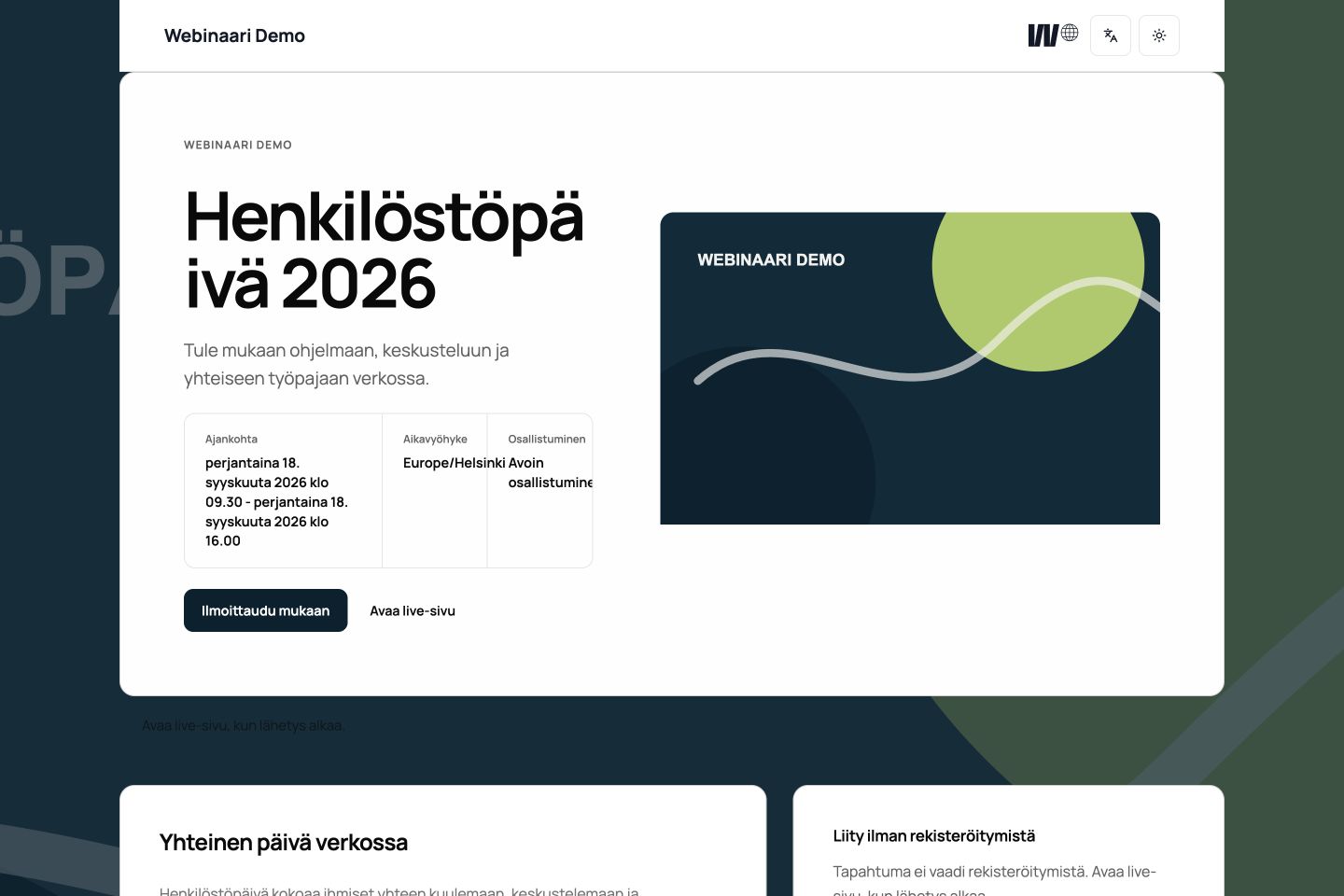 Rounded
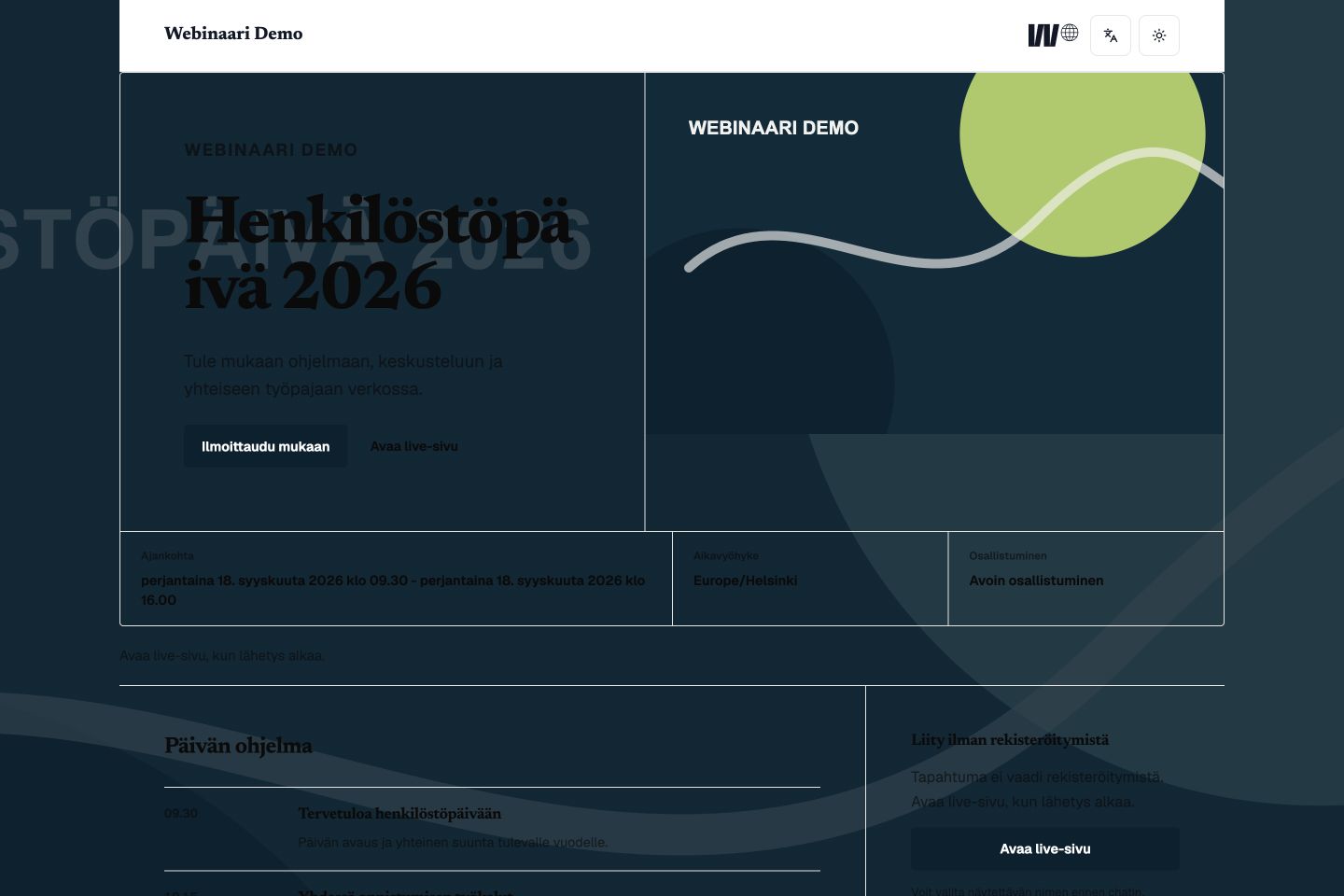 Sharp
SharpQuiet, editorial and content-led.
Soft surfaces and approachable details.
Direct geometry and a crisp rhythm.
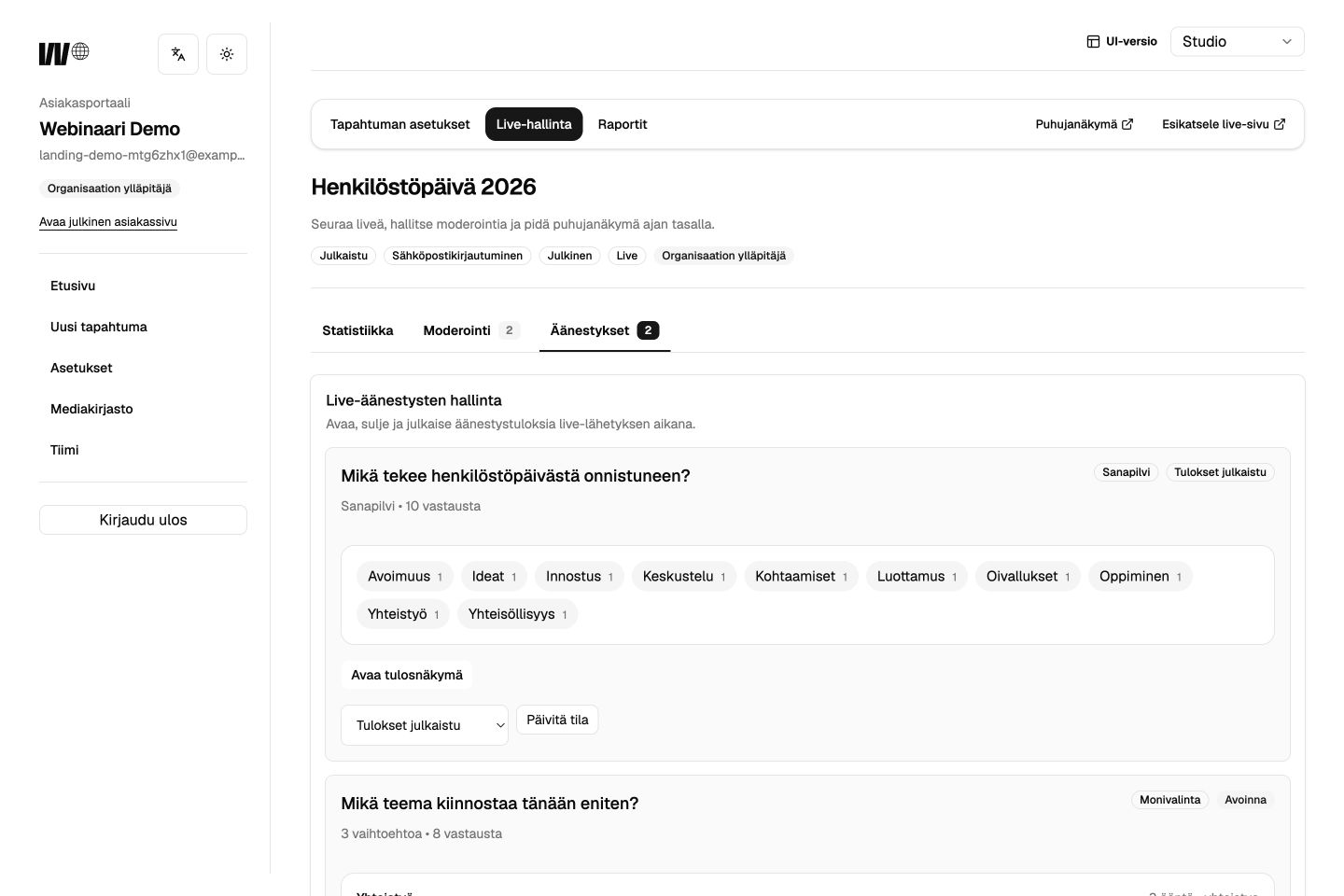
The live desk keeps public discussion, questions, polls and the active video source under the same controlled workflow.
Useful reporting
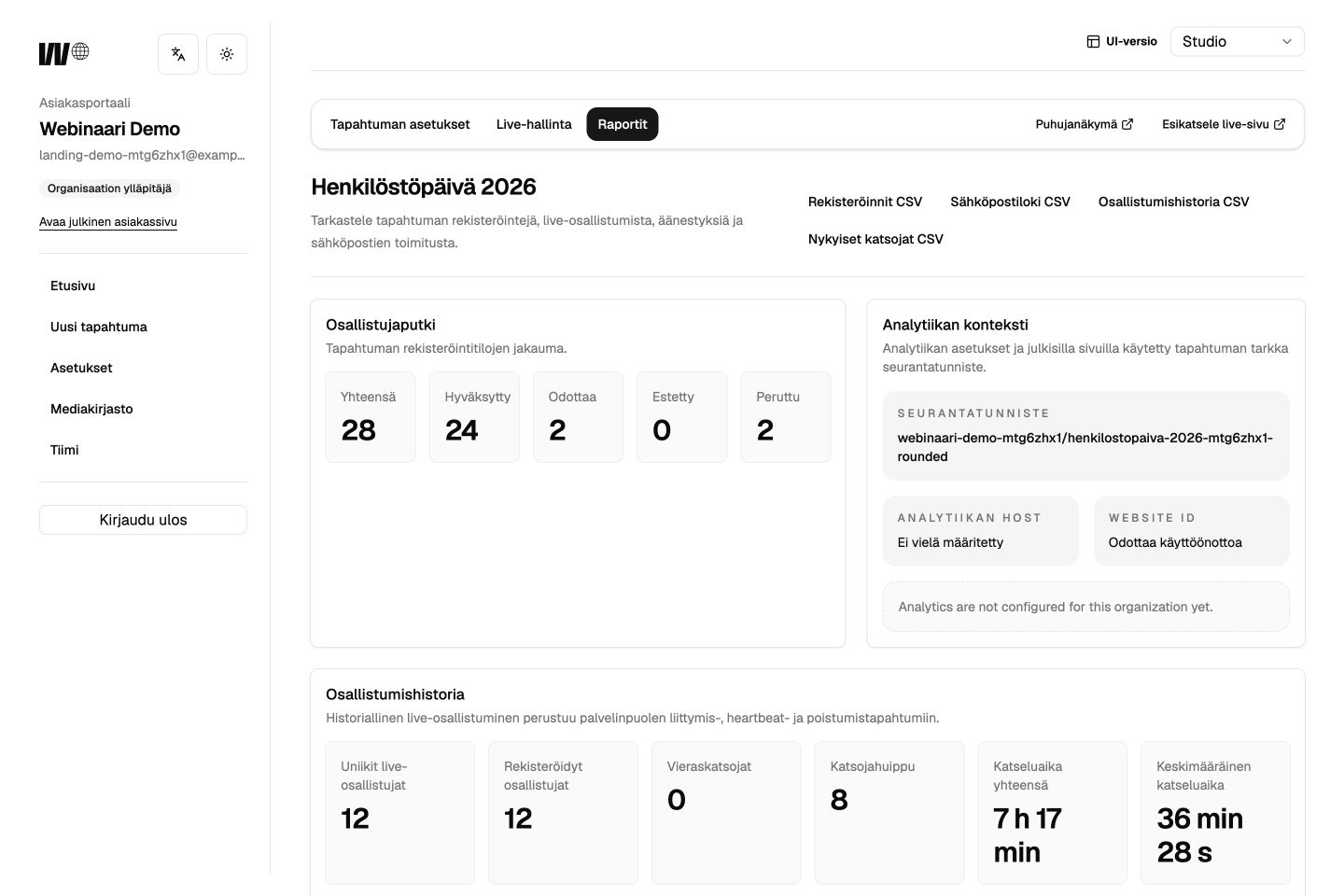
Bring anonymous visitor analytics, registrations, live-page connection time, interaction and email delivery into the same reporting view. Filter by organization or event and export the data for further work.
Anonymous traffic analytics and identified participation data stay separate. Live-page connection time describes the browser connection to the live page, not continuous video playback.
Tell us what you are planning. We will reply personally and show how the platform fits your event process.